Chat Invite Link Not Working? Check the Full Link and Timer
Troubleshoot a ToolsWebPro private-room invite without exposing its key. Check the full fragment, room expiry, service domain and browser connection.
Use this guide with
ChatCrypt
Free encrypted chat online with ChatCrypt — private room, invite link, AES-256 end-to-end encryption, no phone number or signup.
First confirm which chat service issued the invite
ChatCrypt by ToolsWebPro runs on toolswebpro.com and is separate from chatcrypt.com. An invite for a different service cannot be pasted into this tool as though the services share accounts or rooms. Ask the sender which service they used before attempting to join.
Treat the complete invite as a secret. Do not paste it into a public support comment, search engine, analytics tool or link preview service. Anyone with a valid full invite can have the information needed to join. This troubleshooting page does not need your real link or any room message.
Keep the part after the hash sign
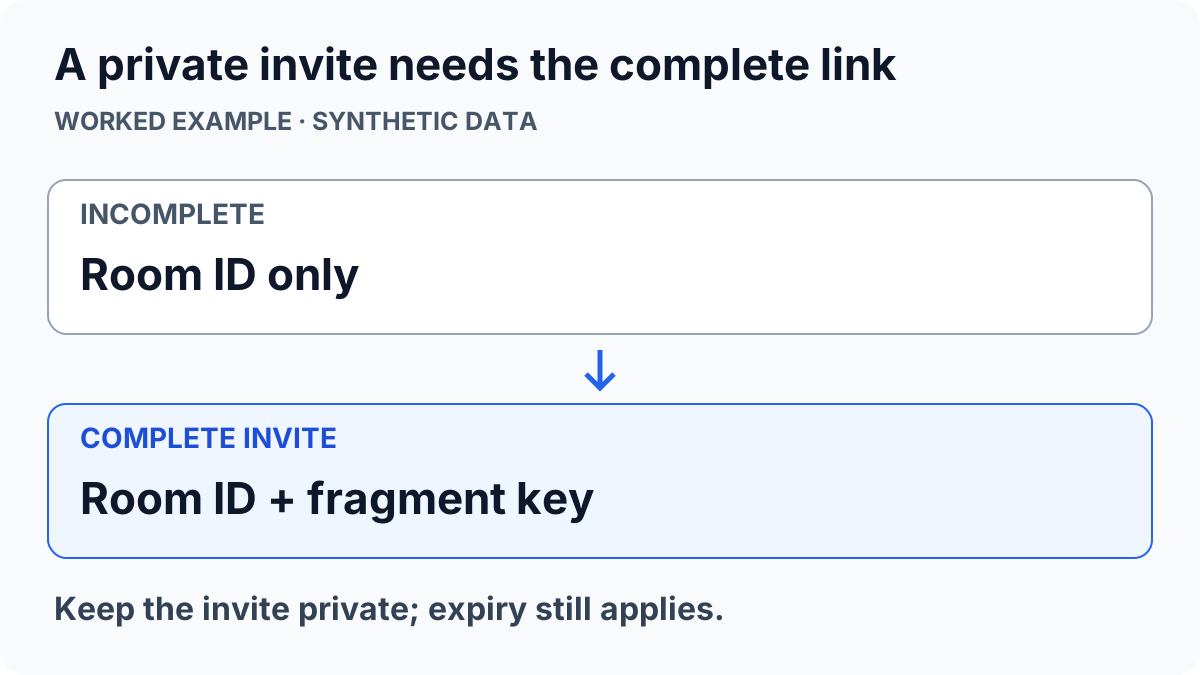
A new ToolsWebPro invite carries the encryption key after # in the URL. A room ID or a copied address without that fragment is incomplete. Ask the sender to use the tool’s Copy Invite control and send the original full link through a private channel you both trust.
In the private chat tool, you can open a complete invite directly or paste it into the invite field. If another application truncates the address, copy the complete original text into a normal browser. Do not attempt to invent a missing key: it cannot be derived from the room ID.
Check access expiry before retrying
Rooms have a chosen lifetime between 10 minutes and 24 hours. A room may also be ended early by someone with the invite. If access has expired or ended, ask the sender to create a fresh room and share a fresh invite. Repeatedly reopening the old URL does not reset its timer.
Keep access expiry separate from server cleanup. Encrypted server copies may remain until cleanup runs even though the room can no longer be used. A missing or expired room is not evidence that a message was delivered, that another participant read it or that every stored copy was immediately deleted.
Recover the session without promising saved history
The current tab holds its key and visible history in memory. Refreshing or closing it clears that local state. Reopen the original complete invite to join an active room again; rejoining is not a recovery mechanism for an old conversation archive. Keep a stable connection and review the room’s status before sending.
Once both people have joined, compare the safety code over a separate trusted channel. A matching code confirms the same key, not the other person’s identity. Encryption does not prevent screenshots or a compromised device. Read the full chat setup and privacy guide for these limits. The private room deliberately excludes site analytics; missing analytics events do not establish zero use.
ToolsWebPro
Practical tool documentationWorkflow examples, tool limitations and links to primary format and platform documentation.
Read full author bio & credentials →Related ToolsWebPro tools
Open the free tool(s) for this guide — no signup required.
Browse all ToolsWebPro tools →More from ToolsWebPro